
🗑️ How to Cancel a booking?
Cancel a booking with options to notify the customer and process a refund.
Bookings can be cancelled by the Shopify admin or a teammate (through the team portal)
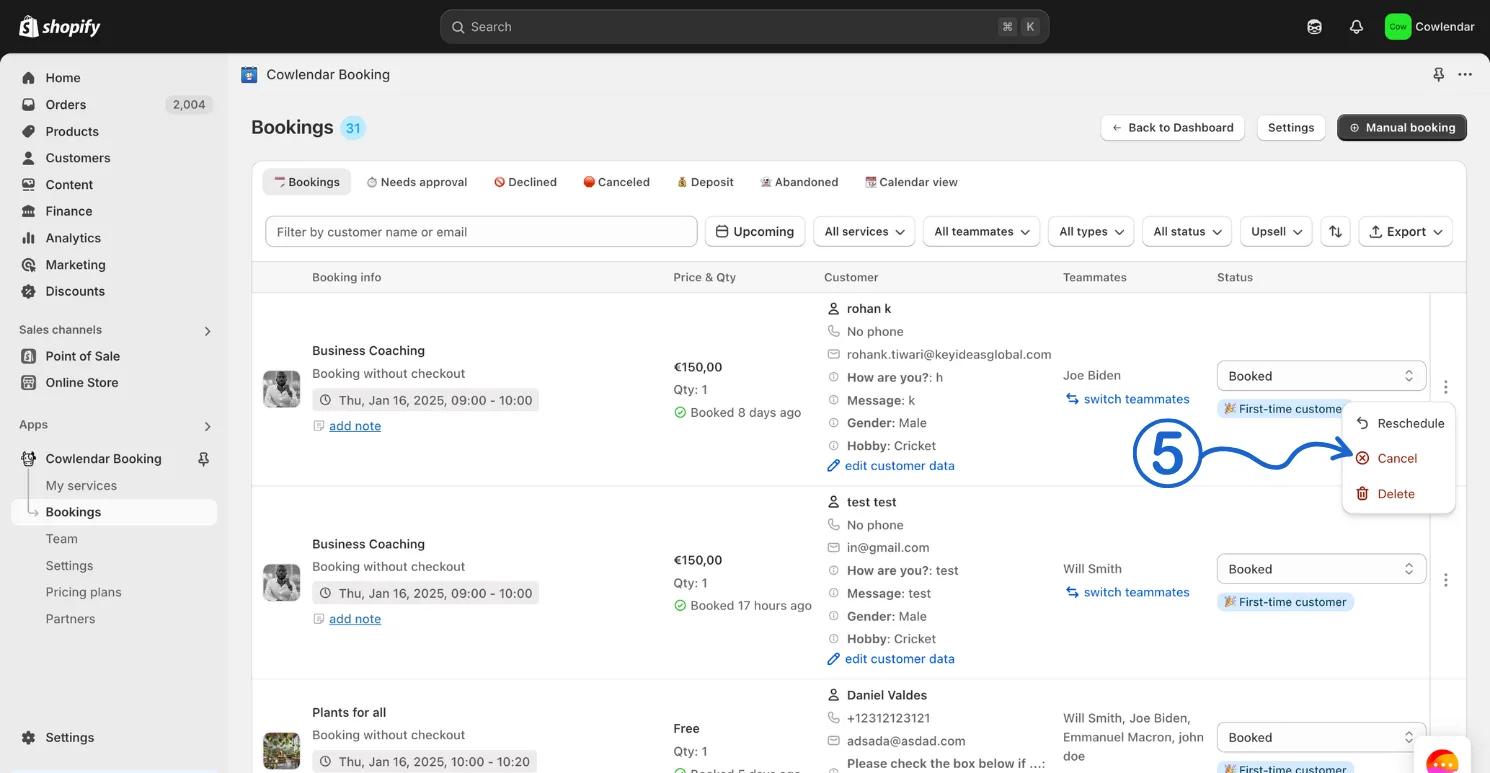
Steps to cancel a booking:
- In your Shopify admin dashboard look at the left panel and click on the Apps
- Click on Cowlendar
- Click on Bookings
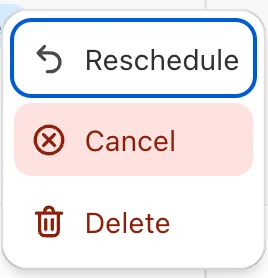
- Click on the 3 little dots
- Click on Cancel
Did this answer your question?