
🗑️ How to delete a booking?
Permanently delete a booking from Cowlendar records.
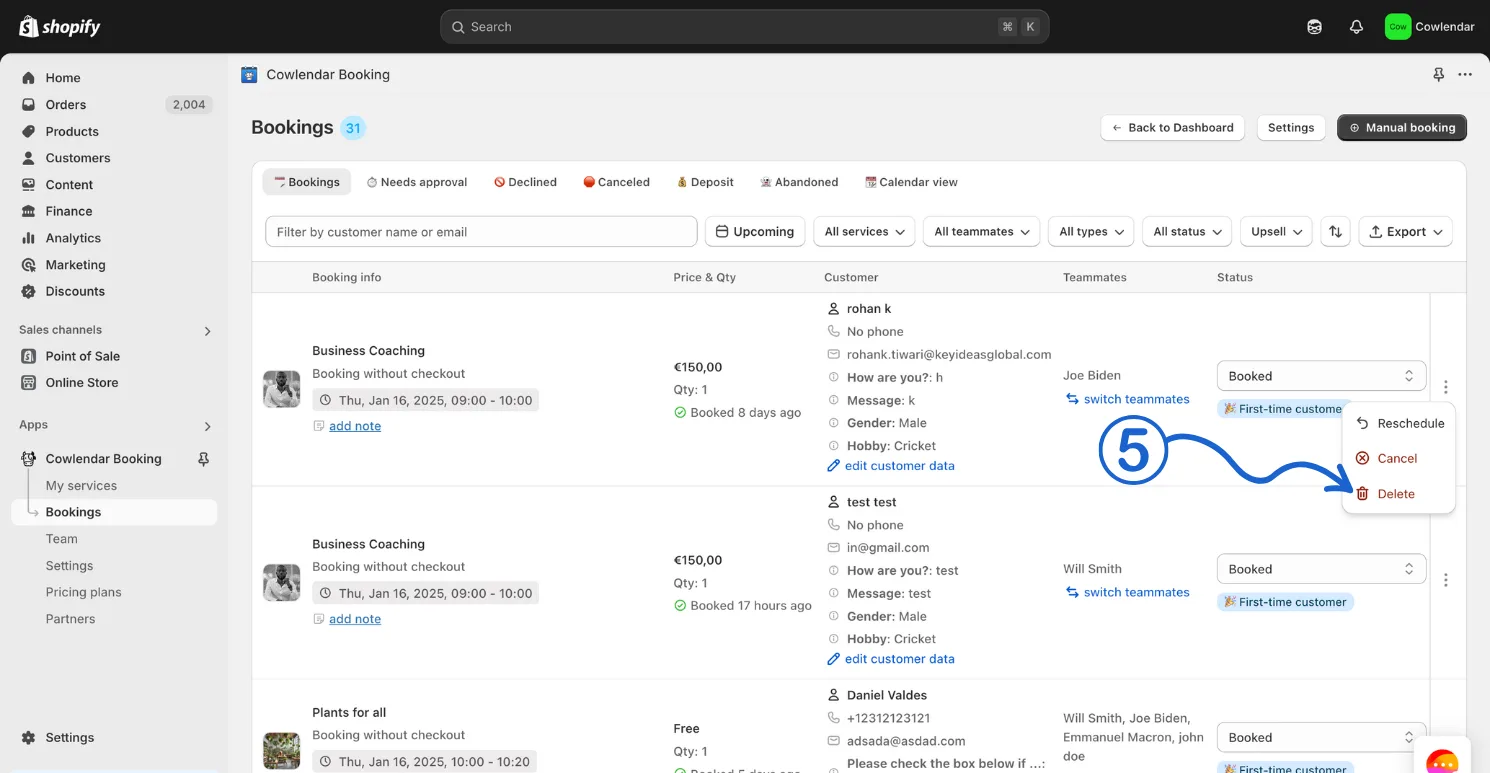
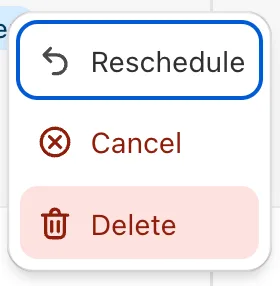
Bookings can be deleted completely from Cowlendar. In Bookings, the ⋮ menu of each booking offers Reschedule, Cancel and Delete. Cancel keeps the booking in the Canceled tab; Delete removes it.
Steps to delete a booking:
- In your Shopify admin dashboard look at the left panel and click on the Apps
- Click on Cowlendar
- Click on Bookings
- Click on the 3 little dots
- Click on Delete
Did this answer your question?