
🗓️ How to show first available date on calendar
Configure the booking calendar to automatically open on the first available date.
You can make it so that a specific service shows the first available date when the customer opens up the calendar on your live page.
To show first available date follow these 3 steps:
Step 1: Go to Apps > Cowlendar > My Services
In there you will want to click "Edit" on a specific service

Step 2: Find the Customization tab
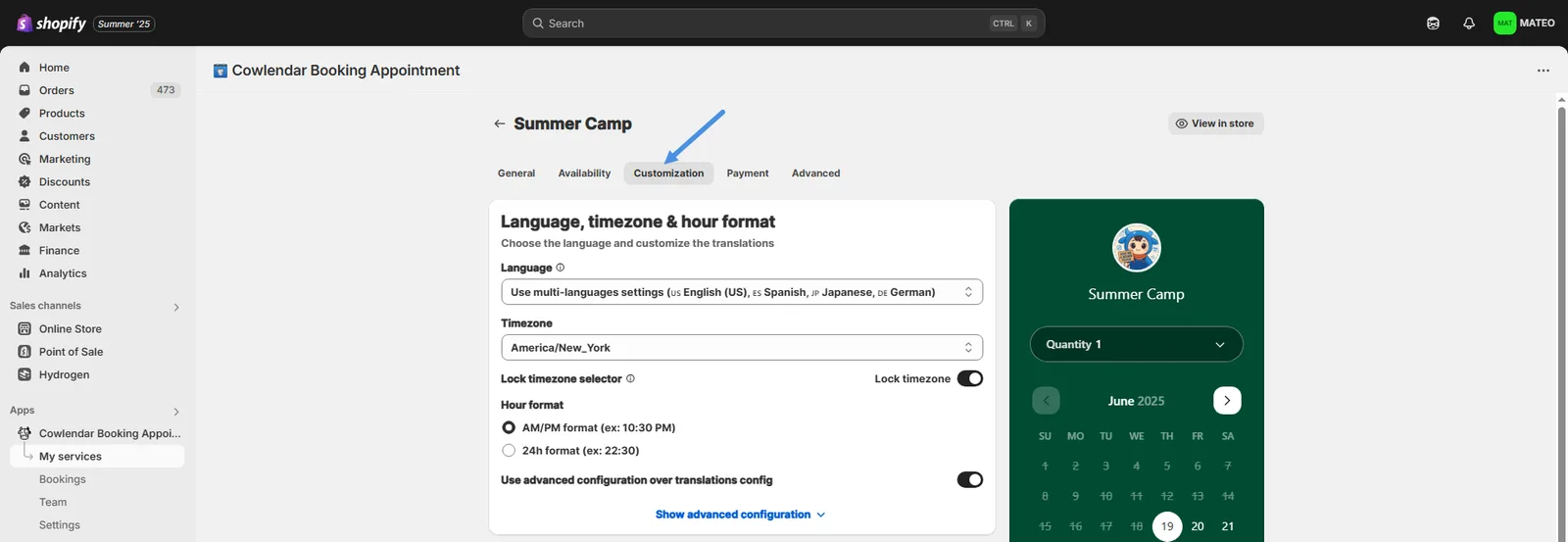
**Step 3:**Find the option called “Calendar month to show.”
Step 4: Enable "First available date" option

Did this answer your question?