
✖️ How to hide logs in console
Disable Cowlendar debug log messages from the browser console.
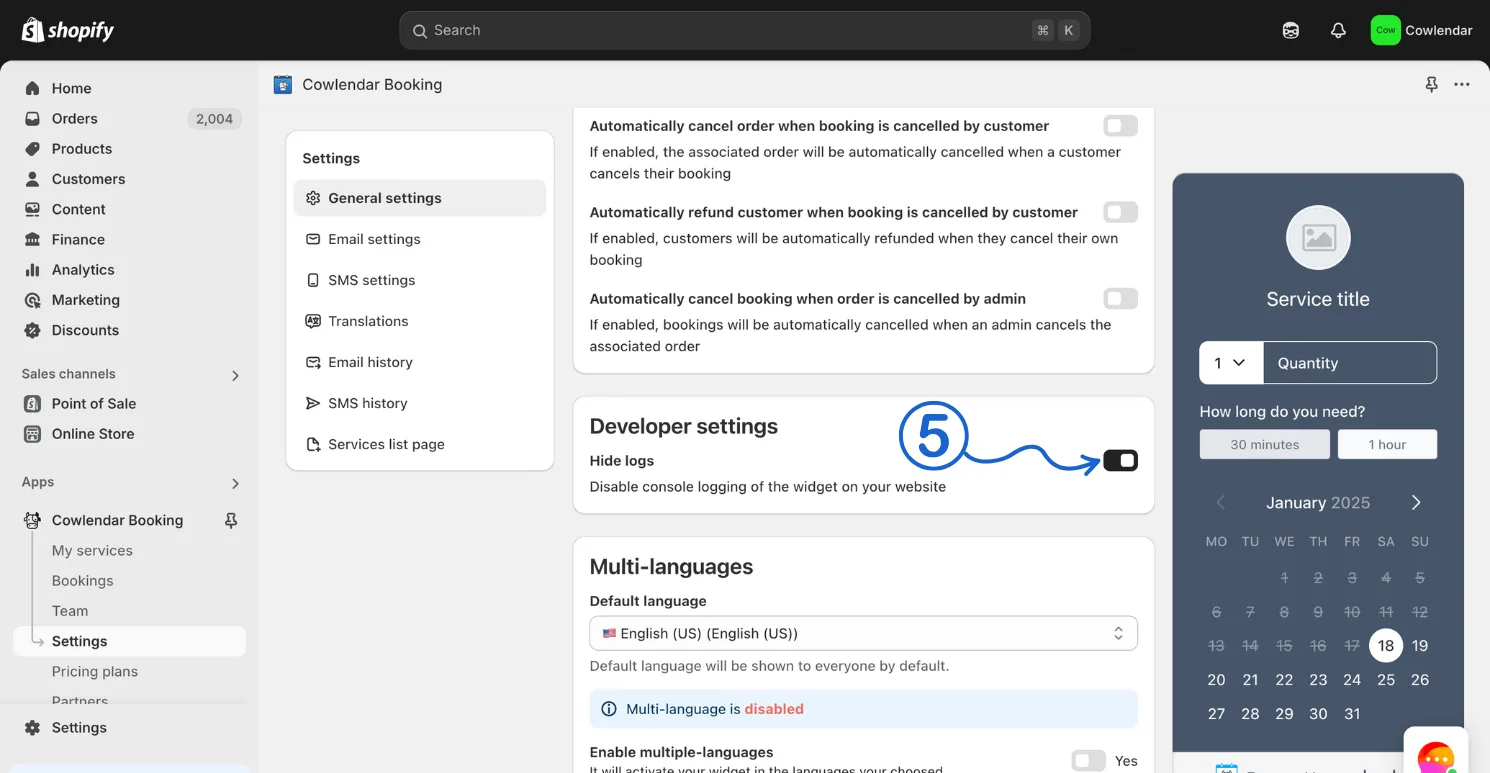
You can disable the logs in console by going to Apps > Cowlendar > Settings > General Settings and scrolling all the way down > There you will enable the "Hide logs" option
Steps to hide logs in Cowlendar
- In your Shopify admin dashboard look at the left panel and click on Apps.
- Click on Cowlendar.
- Click on Settings.
- Scroll down a bit and find Hide logs inside of the Developer settings section.
- Unselect this option.
Did this answer your question?