
📆 How to Use a Shared Zoom Link for Group Bookings in the Same Time Slot
Configure a shared Zoom meeting link for all participants booking the same group time slot.
About This Zoom Integration Feature
Cowlendar’s Zoom integration now includes a powerful option that allows you to generate one unique Zoom meeting link per time slot. When enabled, everyone who books the same slot will receive the same meeting link. This is especially useful for group events or webinars where multiple participants should join the same meeting.
If the feature is not enabled, a new and unique Zoom meeting will be generated for every single booking, even if multiple customers book the same time slot. This setup is ideal for one-on-one services or private sessions.
How to Enable This Setting for a Service
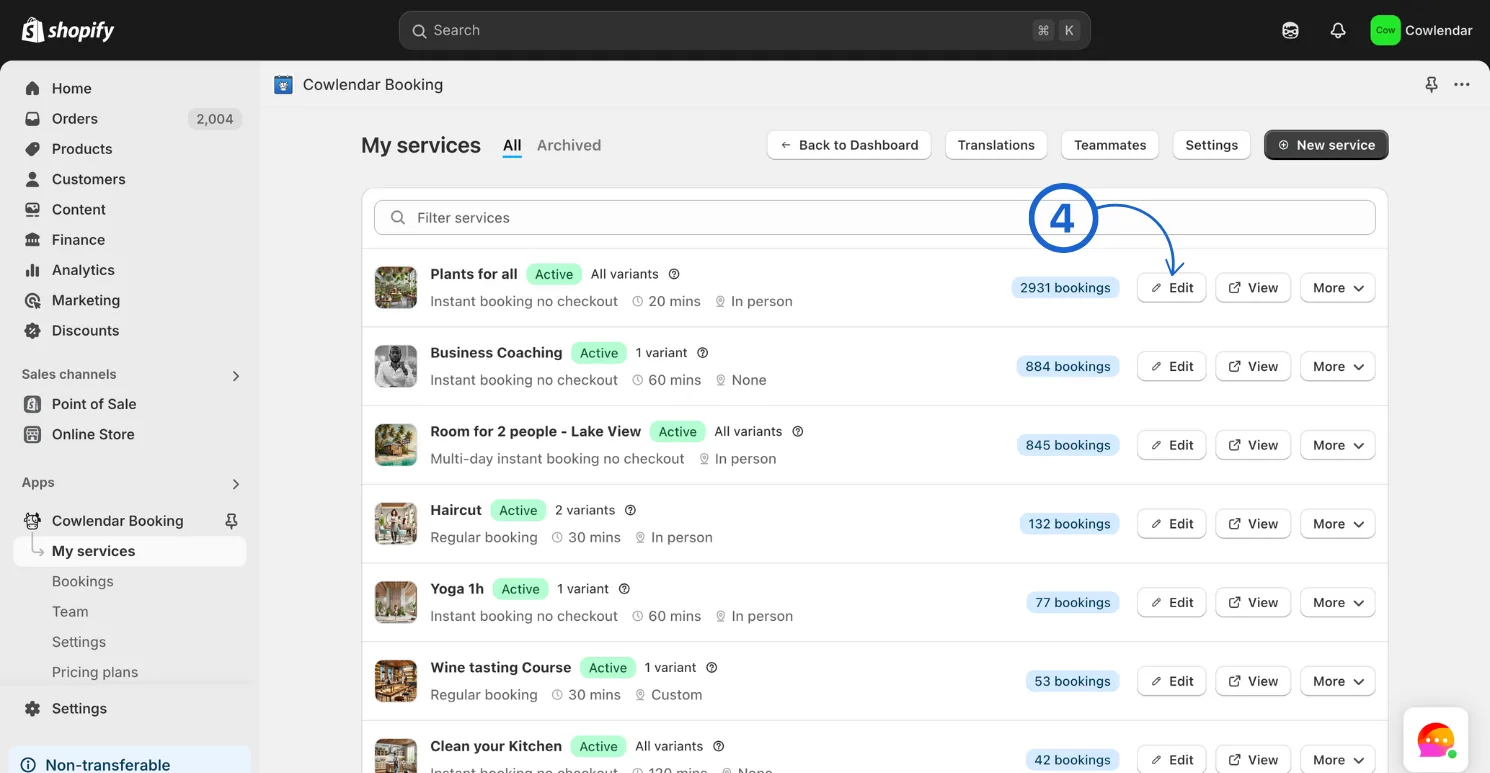
In your Shopify admin dashboard look at the left hand panel and click on Apps. Click on Cowlendar. Click on My Service. Click Edit on the service you want to change.
Click into the General tab Scroll to the section called Meeting location and set it to Zoom Enable the toggle “Use the same meeting link for all bookings in the same slot”.

Save your changes.
Did this answer your question?