
🔚 How to cancel my plan?
How to cancel your Cowlendar subscription through Shopify admin.
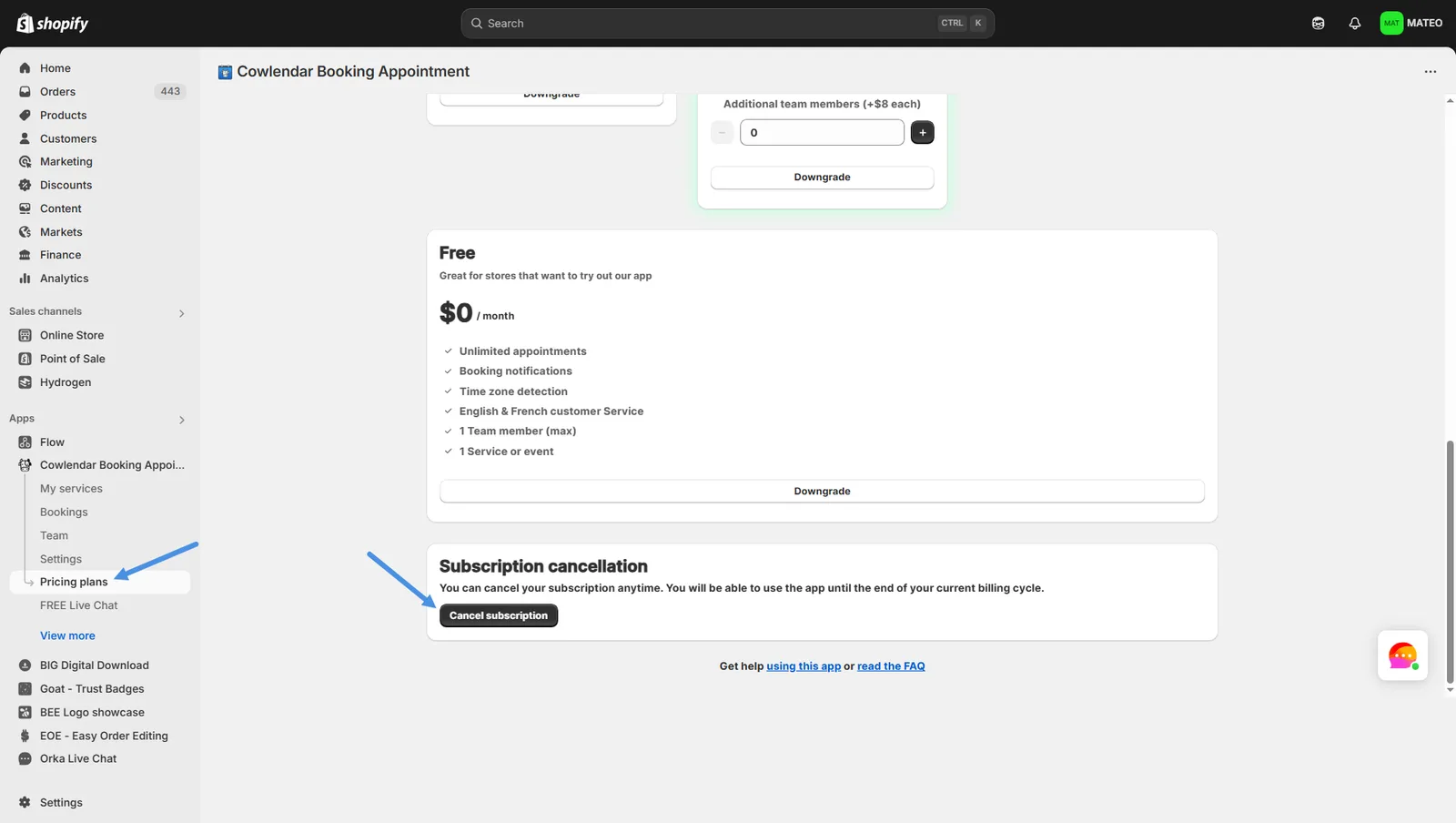
Steps to cancel your Cowlendar subscription
- In your Shopify dashboard on the left hand side click on Apps
- Click on Cowlendar
- Click on Pricing Plans
- At the top of the page, click on Cancel plan.
Only the admin of the Shopify store can cancel the plan
Did this answer your question?