
📮 How to set up Cowlendar in the Shopify POS app
Accept and manage bookings through your physical Shopify POS system.
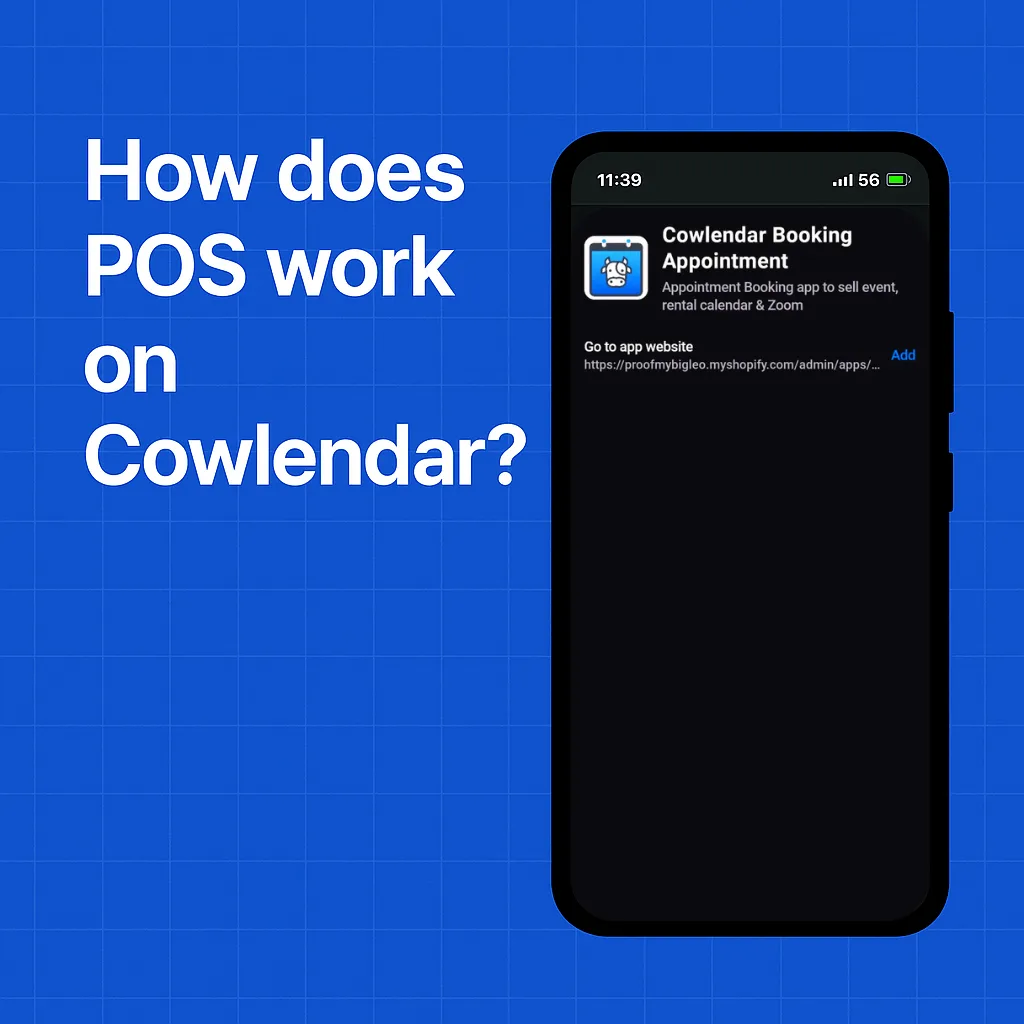
The Shopify POS system is what allows you to collect payment in person on a physical system. With Cowlendar you can also accept bookings in person (and have them pay).
https://youtube.com/video/ViGyV7ZVJXg
Shopify is known for having a great POS system due to it's functionality. Now with Cowlendar you can accept bookings and payments through this physical in person system!
This is great if you are a:
- Medical Spa
- Salon
- Barber
- Or any business that tends to book followup appointments
To use booking and payment features in the Shopify POS app, you’ll need a Shopify plan with POS support.
Steps to setting up Cowlendar in the Shopify POS system:
Make sure you have your services setup and things working as expected before getting POS setup. Download the official Shopify POS application.
https://apps.apple.com/us/app/shopify-point-of-sale-pos/id686830644
https://play.google.com/store/apps/details?id=com.shopify.pos&hl=en&pli=1
Open the Shopify POS Application on your device. Sign into Shopify and Select your store which has Cowlendar installed Add a tile to your POS System
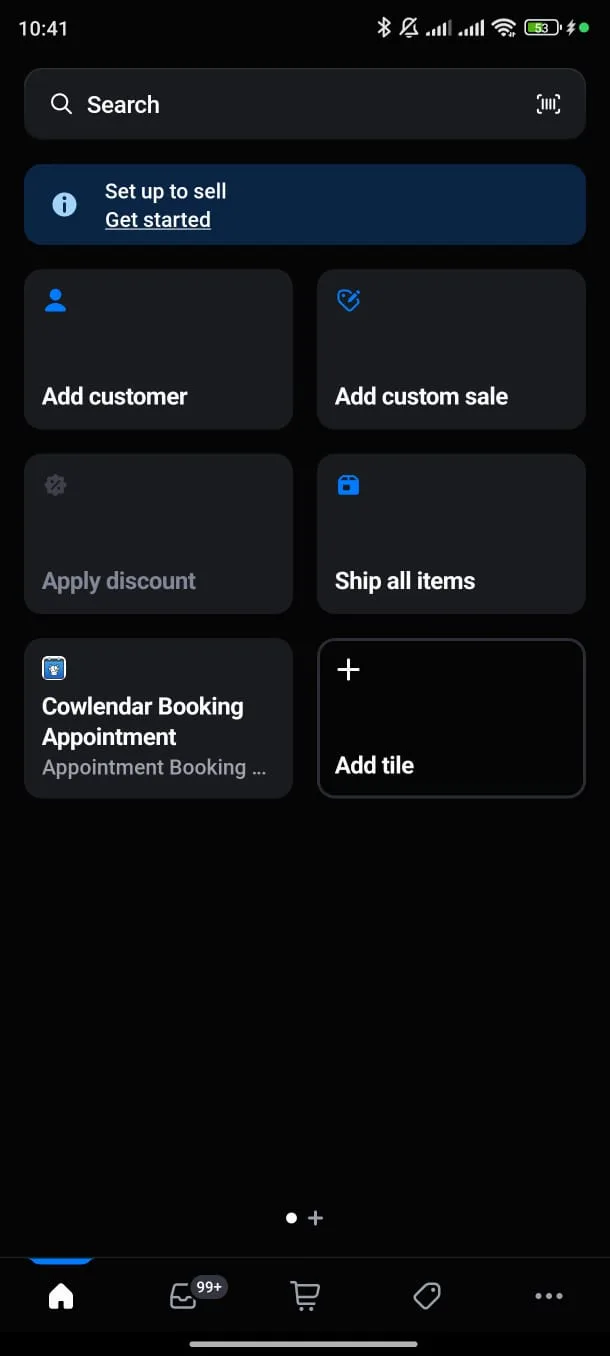
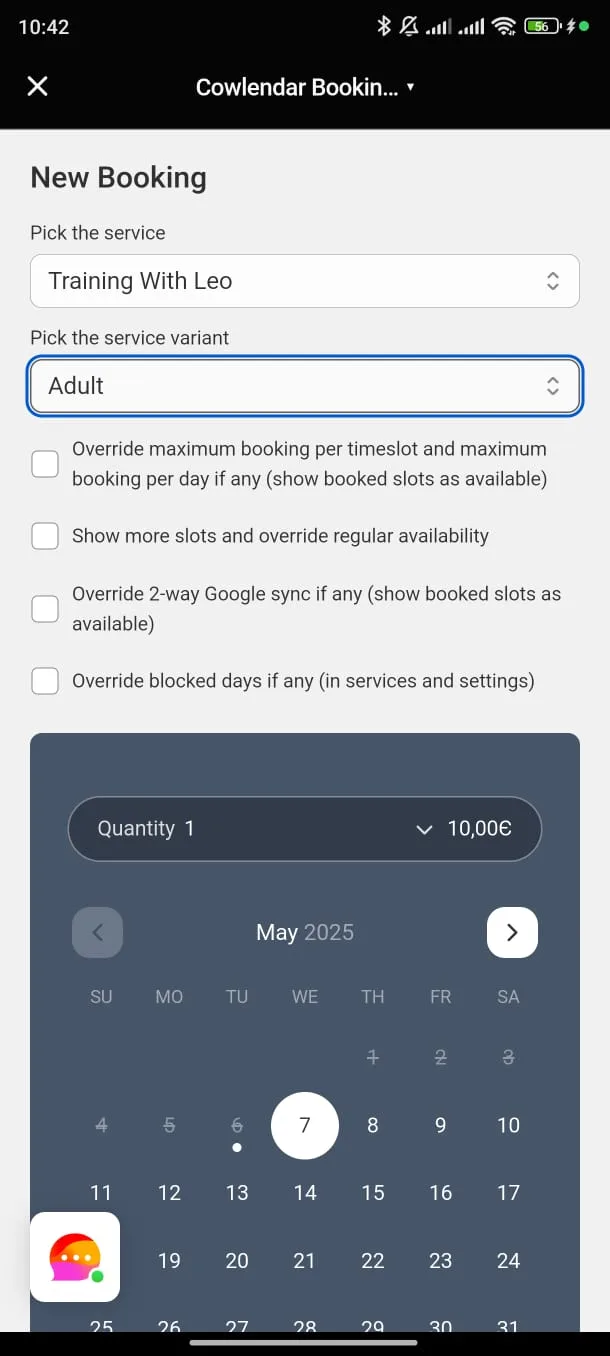
Cowlendar App Website tide Schedule Appointments: Schedule manual bookings and collect payments seamlessly in the Shopify POS app. Easily set up appointments or reservations for customers on the spot, at a store, event, or pop-up, and process secure in-person transactions using Shopify’s trusted payment system, all in one streamlined flow. Manage Bookings: View and organize all your Cowlendar appointments in the Bookings tab, where you can check, edit, or cancel bookings, similar to the Shopify admin interface. Keep Schedules Synced: Any bookings made via POS sync instantly with your Cowlendar system, ensuring your online and in-person schedules are always aligned, preventing conflicts.
Did this answer your question?